










Microsoft Excel by OpSmooth
Connect the spreadsheets your team already uses with Mitti. Built around your workflow.
Features
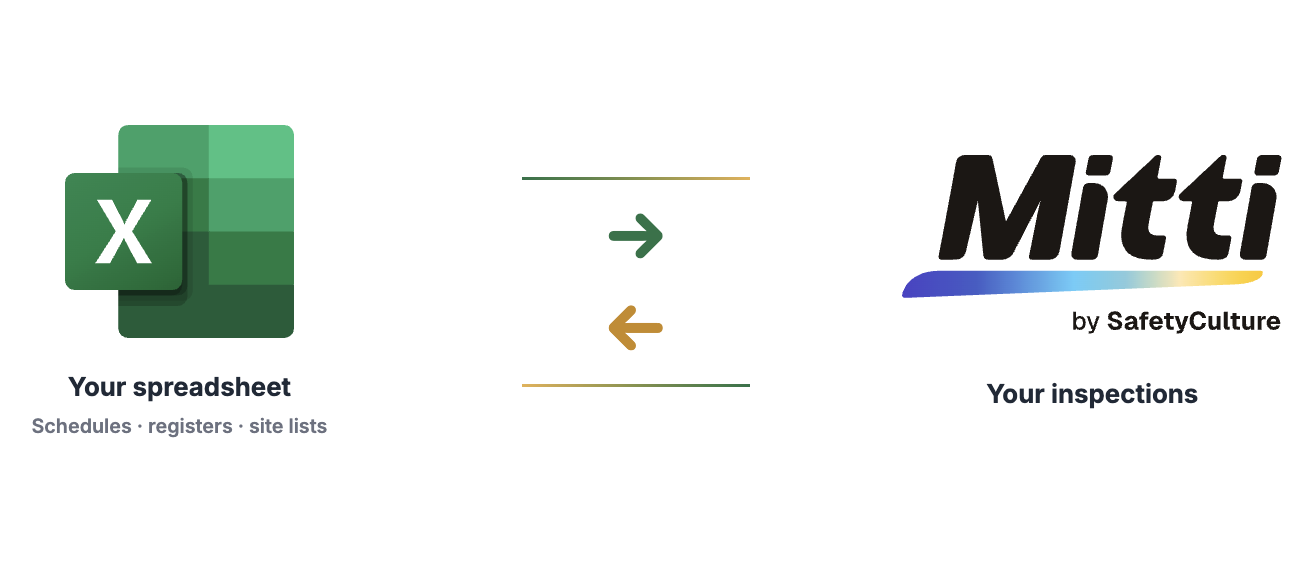
Excel and Mitti, Working Together
- Turn spreadsheet rows into pre-filled inspections
- Write completion data back into your workbook
- Mapped to your columns, templates, and business rules
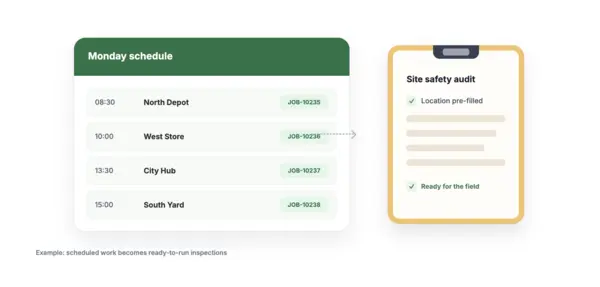
From Schedule Sheets to Field Work
- Daily or weekly schedules become ready-to-run inspections
- Site, job, asset, and technician details pre-filled
- Completed work can write status and report links back to the sheet
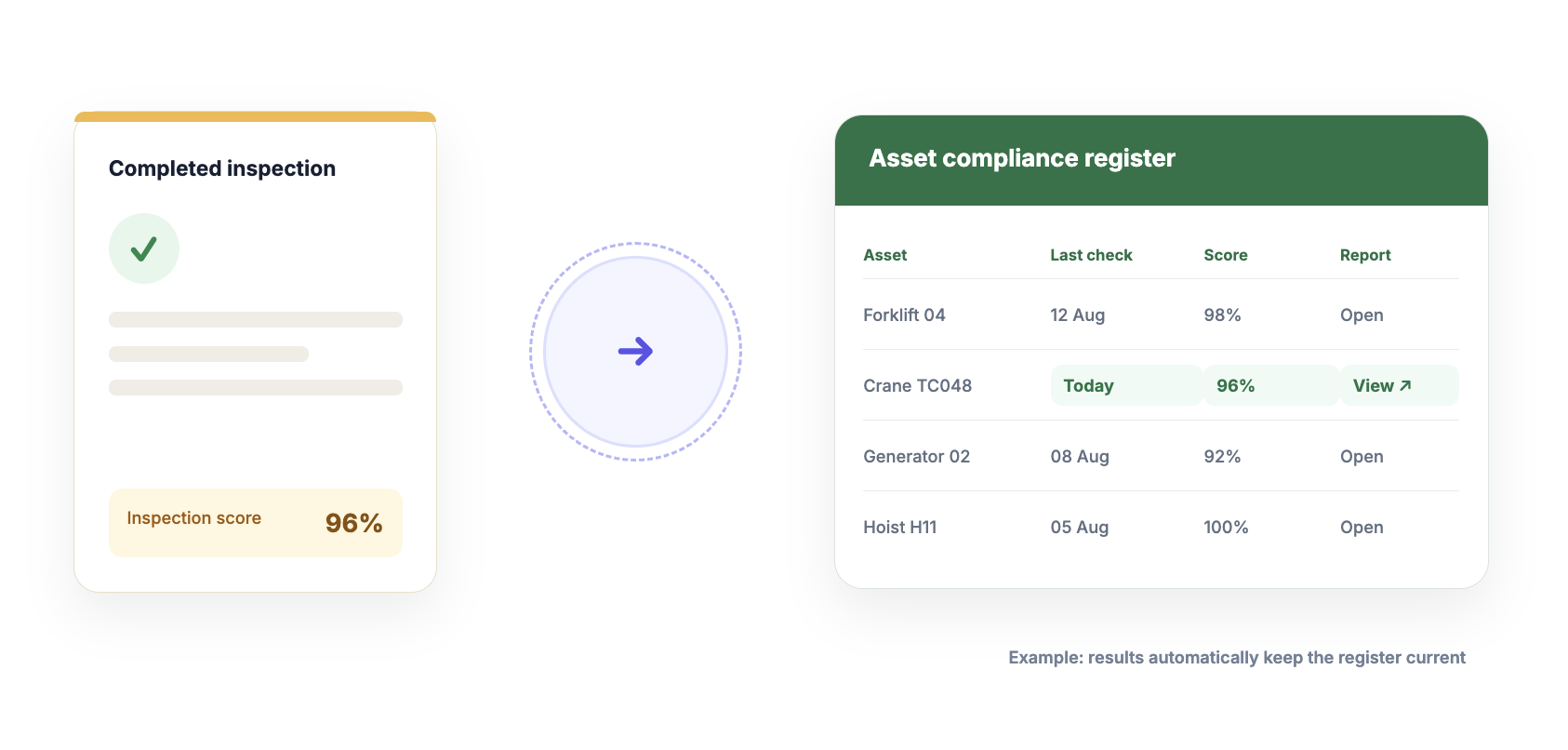
Keep Registers and Trackers Up to Date
- Push inspection results into asset or compliance registers
- Capture scores, dates, statuses, and report links automatically
- Reduce export–clean–reimport loops for leadership reporting
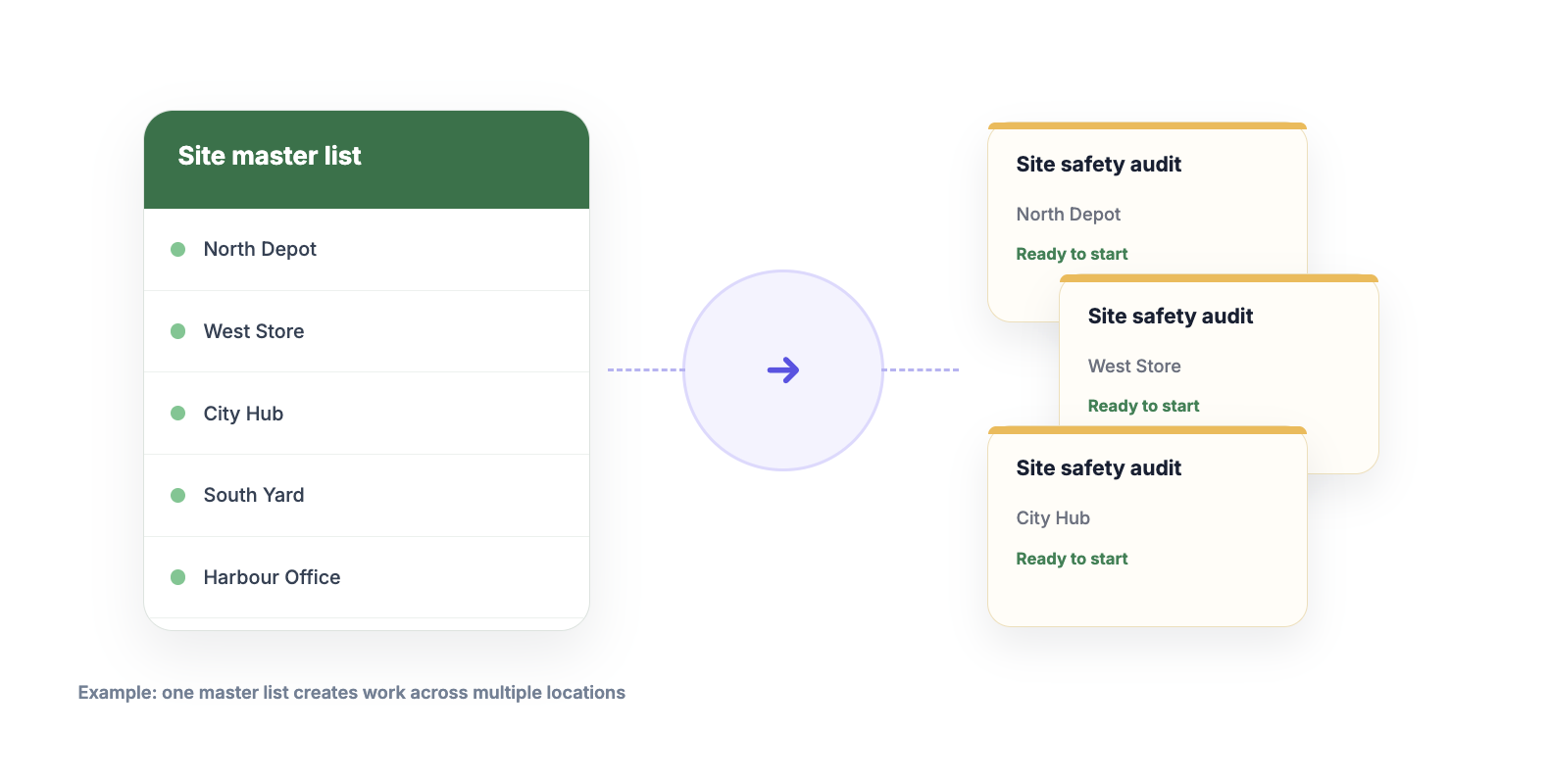
Roll Out Work From Master Lists
- Use site lists, rosters, or open-actions sheets as the source
- Bulk-create or refresh inspections across locations
- Ideal for multi-site campaigns and recurring compliance work
Description
Most operations teams still run on Excel schedules, asset registers, site lists, audit trackers, and contractor rosters. Mitti is where the inspections happen. The gap between the two is usually people: retyping details, chasing completions, and maintaining trackers that fall behind the field.
Custom Excel Automation by OpSmooth connects Microsoft Excel (OneDrive / SharePoint / Excel Online) with Mitii through a workflow designed around how your team already works. We can create or update inspections from spreadsheet rows, write completion data back into your workbook, or build a two-way process with the triggers, field mappings, and business rules you need.
This is not a fixed connector or a rigid template you have to force your process into. Every implementation is custom: your columns, your SafetyCulture templates, your join keys, and your operational logic.
Key capabilities:
- Create or update Mitti inspections from Excel rows
- Write completion data back to Excel report links, scores, timestamps, status, and selected answers
- Support one-way or two-way workflows depending on the process
- Map to your existing columns and templates no forced spreadsheet format
- Trigger on a schedule, on demand, on file change, or when an inspection is completed
- Use named Excel tables and stable join keys (job number, asset ID, site code, and more)
- Keep credentials and configuration separate for each customer
Common examples include turning schedules into inspections, keeping asset or compliance registers up to date from completed work, and rolling out bulk inspections from a master site or contractor list. Those are starting points not a fixed feature list. If your process lives partly in Excel and partly in Mitti, we can design the automation around it.
Built for operations teams that need reliable handoffs between office spreadsheets and field inspections without adding more manual admin.
Secure, reliable, and fully customised to your operational workflows.
Our Team

Taras Maynoor
Founder
Taras is an Ex-SafetyCulture CS Engineer. With 3+ years of experience delivering technical implementations for SafetyCulture's Enterprise Customers.
Pricing
Starter
$130/mo AUD
Up to 500 jobs/month
Growth
$300/mo
Up to 1,500 jobs/month
Custom
Talk to us
* The pricing here is for display purposes only. You should contact the partner for the most up to date and correct pricing information. We do not take any responsibility for this pricing information, which is provided by our partners. Pricing last updated: 19 Aug, 2026 12:00AM
FAQ
Each row in your schedule that gets synced into a new Mitti inspection/asset counts as one job. Re-syncing an already-created inspection doesn't count again.
We'll give you a heads-up before you hit the cap. You can upgrade mid-cycle or overage is billed at a flat per-job rate whichever you prefer to offer.
Yes column headers are matched by common naming (e.g. "Job #", "Date", "Technician"), so most existing schedule sheets work without reformatting. We'll confirm compatibility during setup.