

Procore
hochladen (v) / Upload (n) die abgeschlossen Mitti Inspektion in das richtige Procore Projekt hoch und verwalten Sie die Baustellendokumentation an einem Ort.
Anmelden sich an, um die Installation durchzuführen. Mehr erfahren
Beschreibung
Verbinden Sie Mitti mit Procore , um abgeschlossen Inspektion automatisch als PDFs in das richtige Procore -Projekt hochladen (v) / Upload (n) . Verwenden Sie in Ihren Vorlagen ein globales Antwort-Set für Procore -Projekte, damit Inspektoren während der Inspektion das relevante Projekt auswählen können.
So funktioniert es
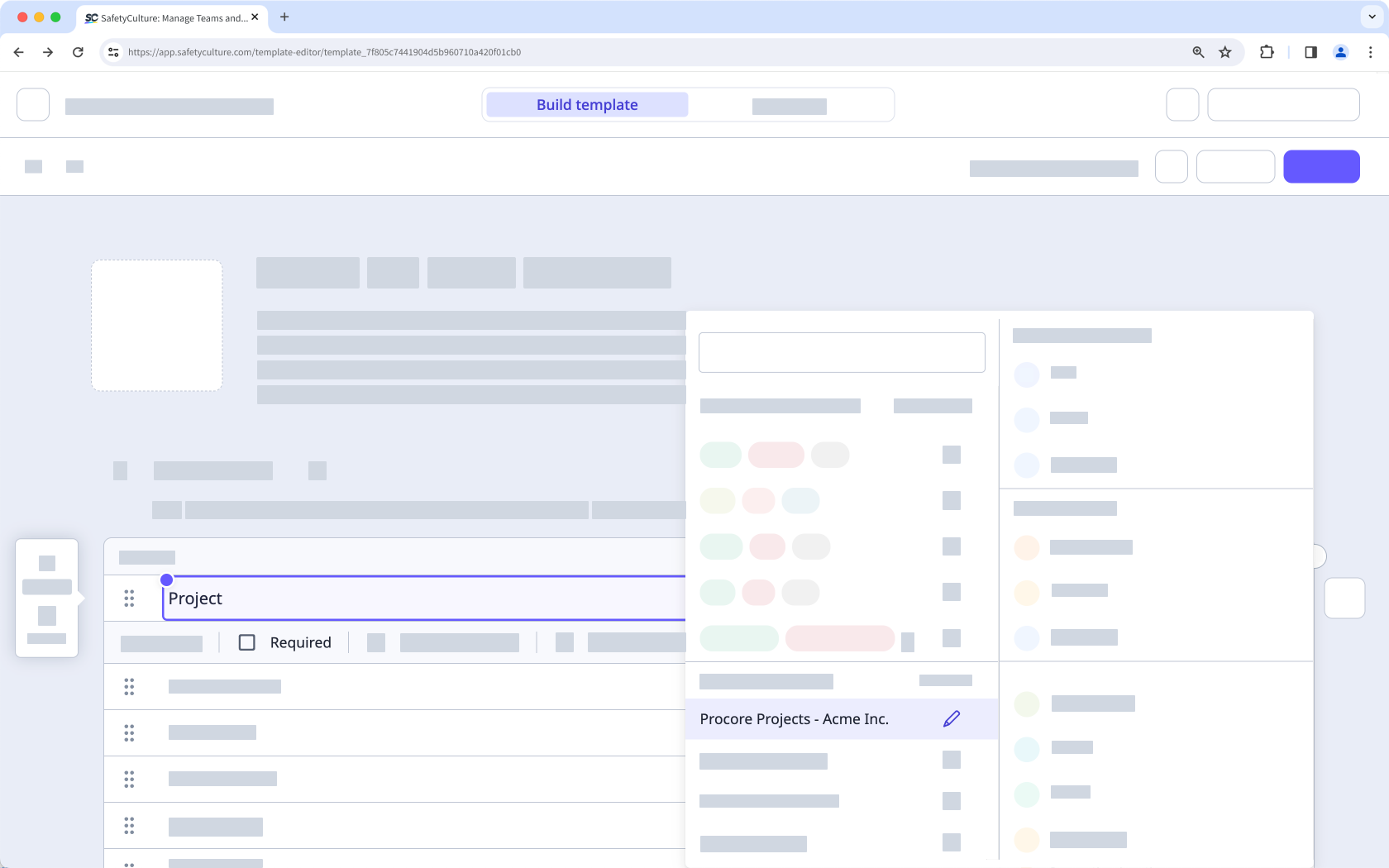
- Mitti synchronisiert Ihre Procore Projekte in einem globalen Antwort-Set namens Procore -Projekte.
- Wenn eine Inspektion abgeschlossen ist und eine Antwort aus dem Procore Projects Global Antwort-Set enthält, lädt Mitti den Inspektion als PDF in das Tool des ausgewählten Projekts hoch.
- Procore erstellt einen Ordner Mitti Inspections“, damit Teams hochgeladene Berichte schnell finden können. Falls Sie bereits iAuditor Inspections aus älteren Installationen verwendet haben, nutzt Procore diesen Ordner möglicherweise weiterhin.
📘 Diese Integration lädt nur Inspektionen hoch, die Sie nach der Einrichtung abschließen/abgeschlossen . Inspektionen, die vor der Verbindung der Integration abgeschlossen , werden nicht hochladen (v) / Upload (n) .
✔️ Mitti Premium-Tarif oder Enterprise-Tarif
✔️ mitti.com/000073/" target="_blank">"Plattformverwaltung: Organisation" Berechtigung
✔️ mitti.com/001741/" target="_blank">Voller Lizenz/en
✔️ Procore Konto mit der Administrator auf Unternehmensebene (procore.com/products/online/user-guide/company-level/permissions )
✔️ mitti.com/000137/" target="_blank">"Durchführen, bearbeiten" template Zugriffsstufe at minimum
✔️ mitti.com/001128/" target="_blank"> Cookies von Drittanbietern aktiviert
Anforderungen
✔️ Mitti Premium-Tarif oder Enterprise-Tarif
✔️ mitti.com/000073/" target="_blank">"Plattformverwaltung: Organisation" Berechtigung
✔️ mitti.com/001741/" target="_blank">Voller Lizenz/en
✔️ Procore Konto mit der Administrator auf Unternehmensebene (procore.com/products/online/user-guide/company-level/permissions )
✔️ mitti.com/000137/" target="_blank">"Durchführen, bearbeiten" template Zugriffsstufe at minimum
✔️ mitti.com/001128/" target="_blank"> Cookies von Drittanbietern aktiviert
Screenshots
FAQ
In November 2022, we renamed "iAuditor" as "SafetyCulture". As part of this rename, we also updated the various references of "iAuditor" including the Procore integration, so that any new setups will use "SafetyCulture Inspections" instead. However, to minimize disruption to existing setups, we decided to continue exporting inspection reports to your existing "iAuditor Inspections" folders.
If you want to align the name of your folders for consistency, you can rename your "iAuditor Inspections" folders as "SafetyCulture Inspections".
If you get a connection error while installing the integration, it's likely because your browser is blocking third-party cookies on Mitti websites. To fix this, we recommend that you turn on third-party cookies in your browser settings and try installing the integration again.