







Embed Google Sheets
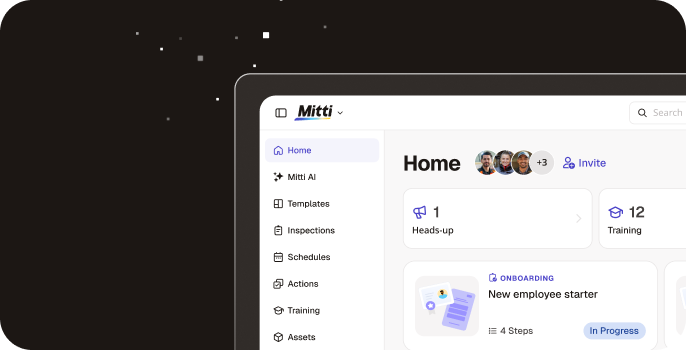
Display Google Sheets spreadsheets in the Mitti web app for quick access from the left-side menu.
Description
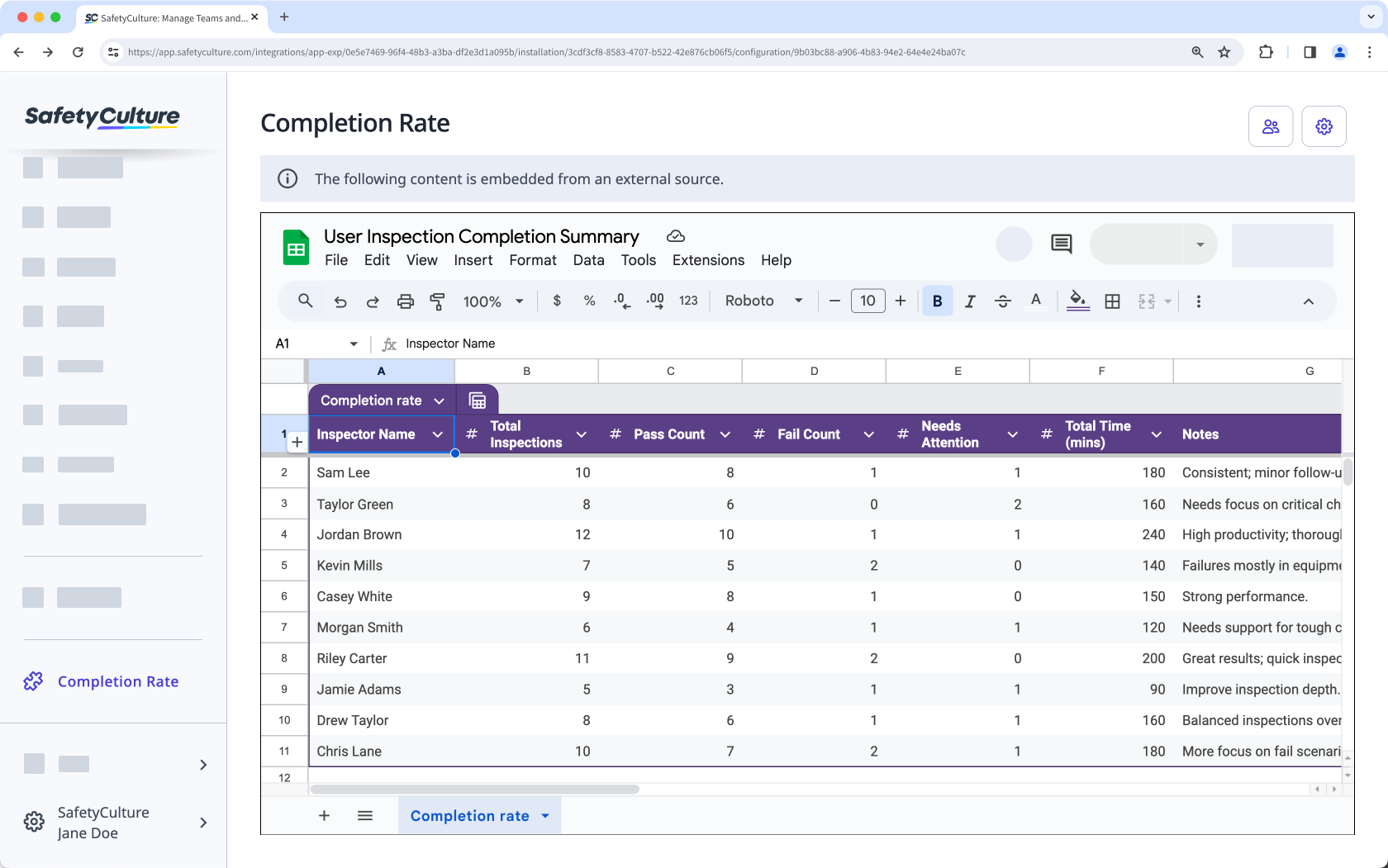
Display Google Sheets spreadsheets in the Mitti web app so your team can access live data alongside day-to-day work. Add a spreadsheet as a page and open it anytime from the left-side menu.
Depending on the link you add and your Google sharing settings, people can view a read-only spreadsheet or sign in to view and edit content.
Depending on the link you add and your Google sharing settings, people can view a read-only spreadsheet or sign in to view and edit content.
What you can do
- Add up to 10 Google Sheets spreadsheets for your organization.
- Choose a label for each spreadsheet so it appears in the left-side menu.
- Restrict access to specific users and groups.
How it works
1. Get a link to your Google Sheets spreadsheet (either a public view-only embed link or a private link).
2. In SafetyCulture, install the integration and add a page with a label and the spreadsheet URL.
3. Open the spreadsheet from the left-side menu in the Mitti web app.
Requirements
✔️ Mitti Premium Plan or Enterprise Plan
✔️ Web app
✔️ "Platform management: Organization" permission
✔️ Full seat
✔️ Embed link to a Google Sheets spreadsheet
Media
FAQ
Yes. By default, embedded Google Sheets spreadsheets are available to everyone in your organization. You can restrict access to specific users and groups. Depending on the embedded link, users may still need to sign in to Google.