







AT&T Fleet Management for Enterprise
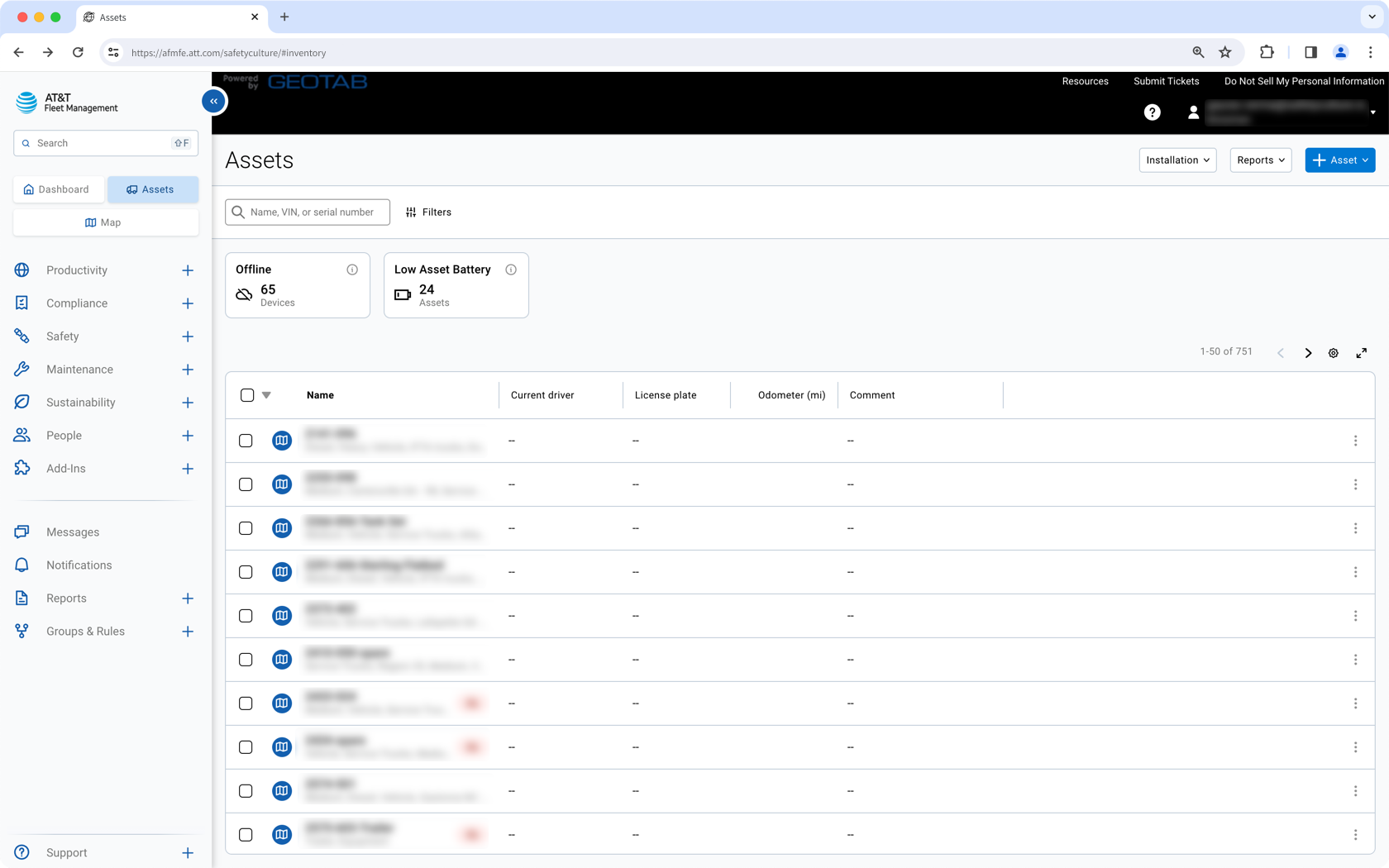
Sync AT&T Fleet vehicles into Mitti as assets and track location, runtime, and odometer.
Description
Sync AT&T Fleet vehicles into Mitti as assets. View GPS location, engine runtime, and odometer readings in each asset profile, then use inspections and actions to support vehicle upkeep.
This integration syncs one way from AT&T Fleet to Mitti. It syncs vehicles only. Trailers and equipment without an AT&T Fleet device installed are not supported.
How syncing works
- This integration syncs one way from AT&T Fleet to Mitti, about every 4 hours.
- If you archive an asset, it remains archived and no longer receives updates. If you delete an asset, Mitti recreates it at the next sync.
- This integration syncs vehicles only. It does not support trailers or equipment. Imported data stays in Mitti.
Create assets
Each AT&T Fleet vehicle becomes an asset in Mitti. Mitti groups these assets into an asset type called AT&T Fleet vehicle and adds AT&T vehicle details as custom fields.
Merge with existing assets
If an asset in Mitti has a Unique ID that matches the AT&T Fleet Vehicle Name, Mitti updates the existing asset instead of creating a duplicate. Mitti also updates the asset type with the fields required for the integration.
Media
FAQ
Update each asset’s Unique ID to match the AT&T Fleet Vehicle Name before you install the integration. This helps Mitti update existing assets instead of creating duplicates.
Please ensure you update your existing assets before installing the integration to prevent duplicates from being created.
Open an asset profile to view GPS location, runtime, and odometer readings. You can click on a relevant reading to view historical readings, including those pre-dating the installation of your integration, and export them to CSV.